
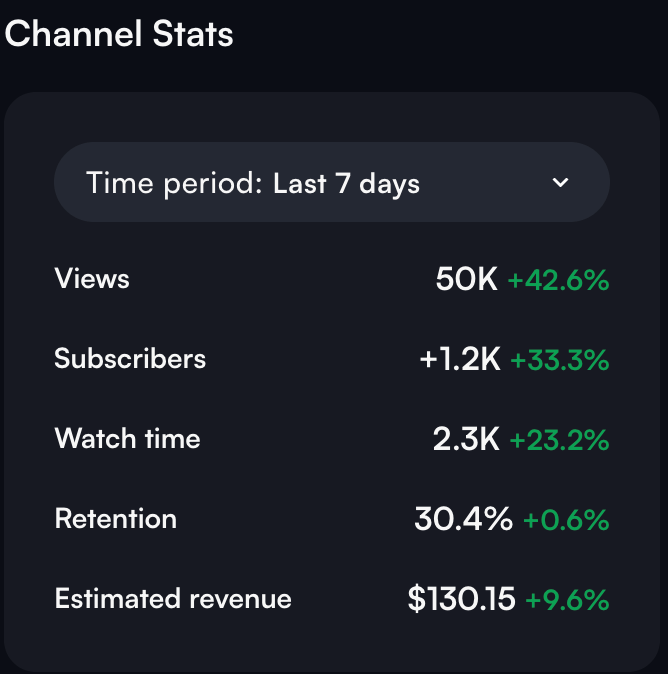
YouTube Shorts are exploding in popularity, and there’s real money to be made. In this video I break down EXACTLY how to make $2,489.75 per month in Google Adsense payouts alone through uploading YouTube Shorts.
Key Takeaways:
Sourcing GOOD content is crucial.
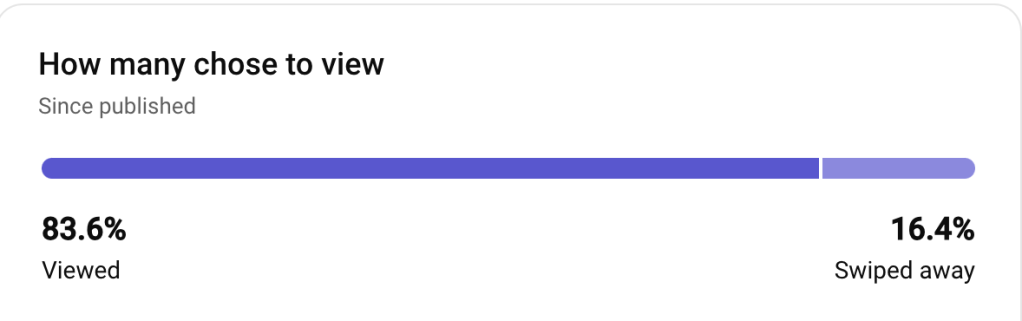
The algorithm will push your content like crazy if people can’t take their eyes off of the screen. This requires having a High VVSA (View versus swiped away) Percentage and a High Average View Duration.
Most of my extremely viral shorts (10,000,000 + Views) have been over 80% Viewed versus swiped away and it is what I like to aim for when editing:
Consistency is KEY:
If you can’t commit to uploading high quality content consistently – This is NOT a good business model for you. Regular and consistent uploads are crucial. The success in monetizing YouTube Shorts comes from doing it over, and over, and over again until one strikes gold.
It’s almost like throwing darts at a dartboard and trying to hit the bullseye. It is extremely unlikely the upload tomorrow will go viral, but if you do it for 6 -12 weeks you honestly have a pretty decent shot of hitting the bullseye and riding that momentum.
*TRANSFORM* The Content:
You NEED to transform the content in order to get monetised. If you don’t edit the original clips enough you will be hit with “Re-used Content” and demonitised. The best way and How to Avoid Being Hit with Re-used Content is to choose the right people to source your content from and to edit the sh*t out of each clip with commentary and edits.
The Best Tools I’ve Used For at Least 1+ Year(s)
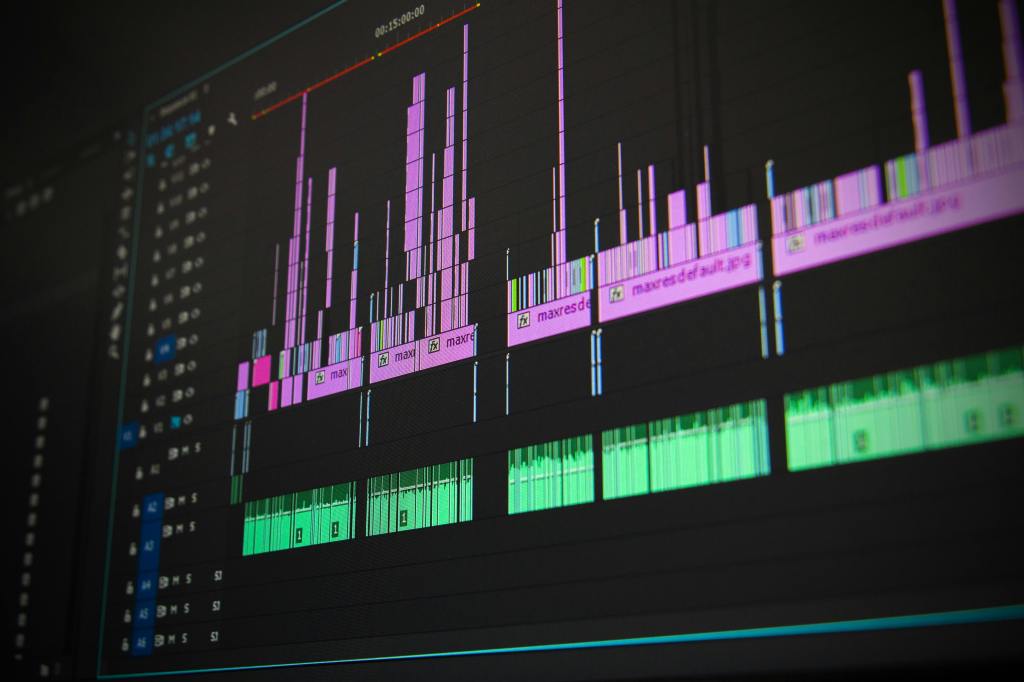
- Premiere Pro – I’ve used premiere pro for over 2 years and It’s considered to be basically the gold standard if you are trying to do any substantial editing to your videos. I would say it is moderately priced. It’s skill cap is pretty high, but I’ve learned how to edit to a high degree and I believe most people can as well if they are willing to put in the work and can also watch MANY free tutorials on YouTube as I did when first picking it up.
- Canva Pro – I’ve used Canva pro for over 3 years now for creating high quality images, logos, and presentations just to name a few. For video editing, I use it mainly for transparent background elements to use in YouTube Shorts and for creating Long Form Video Thumbnails.
- VID IQ – I’ve used VID IQ’s extension for about a year, mainly for quickly checking baseline metrics and to analyze channel performances for my channel(s) and others – Analyzing other channels on the rise to understand what THEY are doing right is probably one of its best uses in my opinion.
Learning High Value Skills to edit and create extremely high performing organic content is the most valuable skill in the world in my opinion. It caries over to creating ads, generating sales, and getting views. My best advice to anyone thinking about starting is to TAKE ACTION.
Subscribe below to get notified when I post something new 👇
Keep Grinding if You’re Grinding 💪
 Ecom Lifter